VPN won't connect - R-VPN's Troubleshooting Guide
VPN Not Working: Potential Causes and Solutions
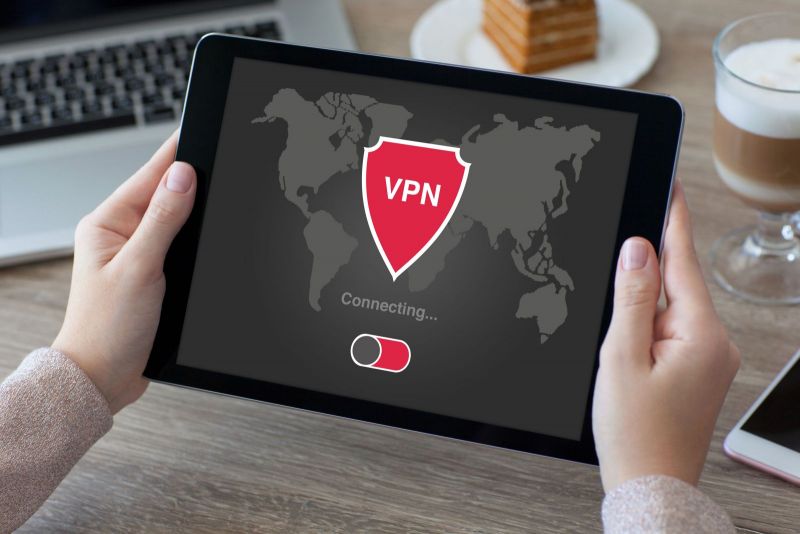
It's not uncommon for users to run into a situation where their VPN service just won't connect. This can be a major hindrance to your work. If it happens with a free service, you can quickly try another one. But when a paid app or program on your Android or Windows device fails to connect, you'll want to figure out why. There can be several reasons behind a VPN connection failure.

In today's world, it's hard to imagine life without the internet. However, along with its boundless opportunities, it also brings certain problems like surveillance by hackers and government agencies, blocked websites, and risks associated with online shopping and electronic payments.
But there is a solution! Let us introduce you to R-VPN, a service designed to help users tackle a multitude of online issues and ensure their security on the internet. With R-VPN, users don't have to worry about being watched or hitting blocked sites. You can bypass all these obstacles, shop safely online, and conduct electronic payments in various currencies.
This is made possible thanks to advanced encryption algorithms like L2TP, Shadowsocks, WireGuard, IKEv2, and OpenVPN, which guarantee reliable data transfer without speed or data caps. Furthermore, R-VPN offers unlimited access starting from just $4 per month, with substantial discounts for long-term users and a free trial version.
The service is compatible with all operating systems (Windows, iOS, macOS, Linux, Android) and can be used on various devices like routers, smartphones, and tablets. If you encounter any problems, the R-VPN consultant team is ready to assist you. Plus, subscribers and members of our Telegram channel and chat can actively participate in contests, ask questions, and receive gifts.
Don't risk your online safety. Connect to R-VPN and enjoy boundless freedom in the online world!
Step 1: Check Your Internet Connection
At first glance, this might seem obvious, even silly. But any experienced user can tell you a story about how they tried to turn on their VPN or another program, only to find it wouldn't connect because there was no internet connection in the first place.
This check takes just a few seconds—simply look at the network icon on your screen. If that's the issue, most of the time, simply restarting your router will do the trick. Otherwise, you might need to call your Internet Service Provider (ISP) to find out the reason for the disconnection.
If you're using your device in a public place, hotel, or restaurant, you might find your VPN won't connect. In this case, it's helpful to change your location and connect to a different Wi-Fi hotspot, as the network might be actively blocking the VPN service you're trying to use.
Step 2: Ensure Your VPN Provider Isn't Having Issues
Often, the source of the problem isn't your PC or gadget, but the VPN provider itself. When major VPN companies experience outages, it usually becomes known immediately through thematic forums, social media, and other open sources of information. Major providers also typically try to resolve issues as quickly as possible to avoid losing customers.
With smaller companies, problems might occur more frequently, and finding information can be harder. Nevertheless, every such company should have its own website where news is published. This is the most likely place to find reliable information about service disruptions.
Most devices keep application logs. You can find these logs in the settings and review them carefully. Reading the information saved in logs isn't always straightforward and might require some skill. For example, if you see a line that says "Authentication Failed," it indicates a problem with your login credentials. Checking and correcting your username and password will most likely solve the issue.
It's also useful to check your account status. Sometimes, updating a password on one device means you need to enter it again on others. It also happens that payment reminder emails end up in the spam folder, leading the provider to disconnect your service for non-payment—so keep an eye on that too.
Step 3: Try a Different Server
Many VPN services offer a wide selection of servers to connect to. If you can't connect to the default server, try other options. Your preferred server might simply be overloaded due to its popularity. Furthermore, the physical servers that a VPN provider uses can malfunction, or the data center might simply cease cooperation with that provider.
The thing is, most companies providing VPN services don't own their own servers—it's not cost-effective. They buy or rent servers in various locations and then offer access to them. A breakdown in cooperation can be triggered by changes in contract terms, increased rent, or other factors. Some providers prefer creating virtual servers instead of using physical ones; closing and reopening such a server in a new location is relatively easy.
Another common problem is blocks imposed by the regulatory authorities of a specific country. In this case, the only solution might be to switch to a different application or software that isn't banned in your country of residence.
Step 4: Choose a Different Protocol
The primary function of a protocol is to define the method by which your smartphone or computer connects to the VPN service. Most apps and programs have a list of supported protocols in their settings. Your VPN provider must also support the protocol you choose; this information is always displayed on the provider's website.
One way to solve the problem without switching providers is to change the protocol your application uses. Often, simply going into the settings and switching the working protocol (for example, from IKEv2 to OpenVPN, assuming your provider supports it) is enough to get the connection working again.
Step 5: Update or Reinstall Your VPN
One of the simplest recommendations is to check if a new version of your program or app is available. Providers are interested in users running the latest software with bug fixes. Support for old versions is often discontinued quickly, so it's best to update on time, especially since it's usually completely free.
Some viruses and other malware are specifically designed to damage VPN applications and programs. To avoid serious problems, like the loss of personal data, it's sometimes better to completely uninstall the application, then download a fresh copy from the official website and install it on your device.
In some cases, manual configuration of the application might be required, but this solution is more suited for advanced users. However, this can definitively determine if the application itself is functional, especially since many offer ready-made configuration files with the functionality you need.
Final Step: Contact Support
If the methods described above don't help, it makes sense to contact your provider's support service. But be prepared to answer a specific set of questions, for example, about your Android or Windows version, what steps you've already tried, etc. Often, the initial response will contain instructions similar to those described above.
Nevertheless, contacting the provider can be very useful if the problem is indeed on their end. The support agent can confirm this, saving you a lot of time. They can also tell you what's being done and when the issue is expected to be resolved.