Private VPN: Your Own Network on Your Server — R-VPN
A personal VPN – building your own network
These days, when the Internet has become an integral part of life, online security is becoming more and more important. A personal VPN is one way to protect your data online, letting you create your own secure network. In this article, we will look at what you need to set up a personal VPN – renting, configuring and connecting a server, and installing and configuring the network.
What you need to set up a personal VPN
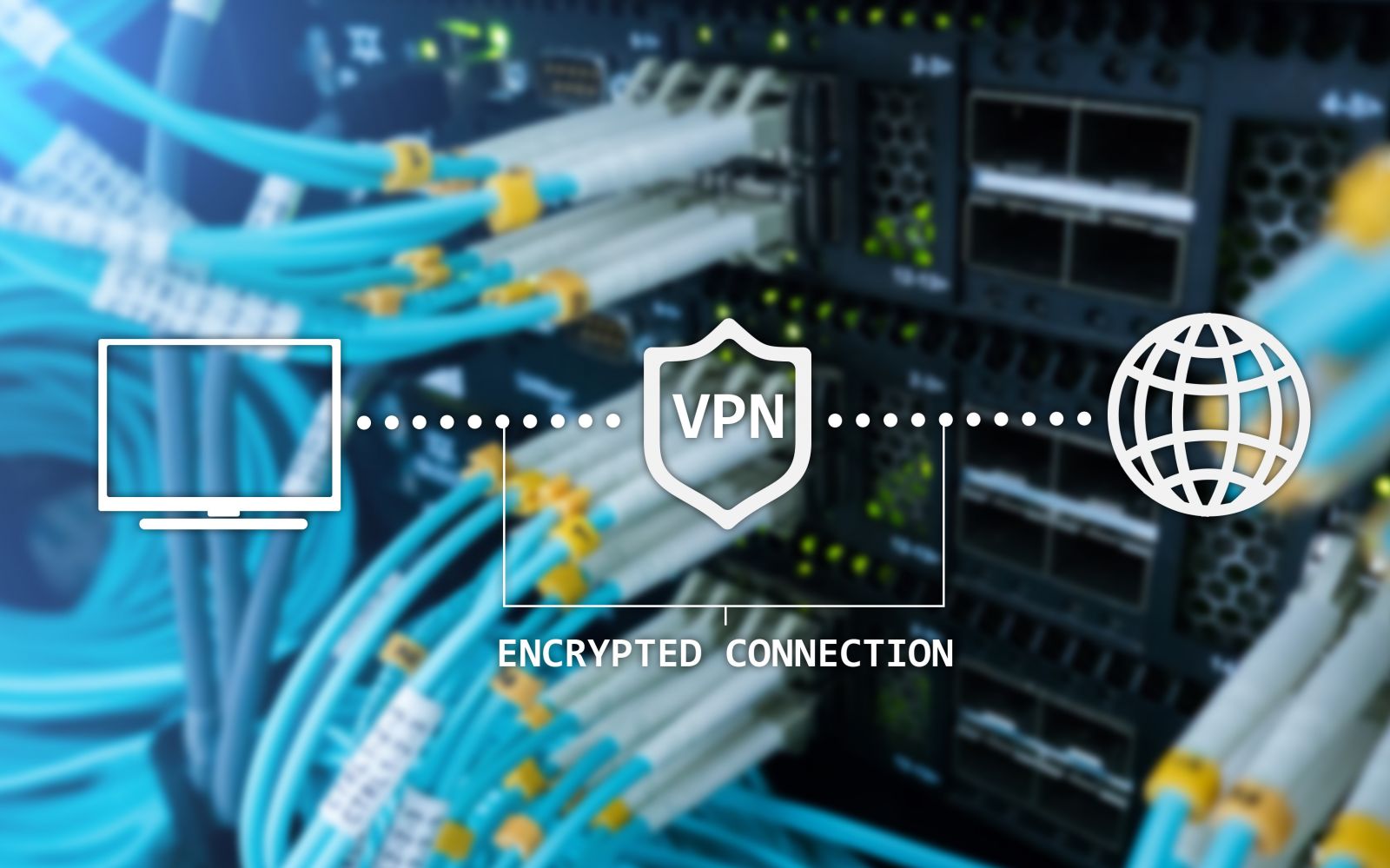
Don't miss the chance to secure your web browsing with our top-tier VPN service! For as little as $4 a month, you can access sites such as Amazon, ChatGPT and Netflix that are restricted in Russia. Our modern technology and advanced software protect all of your data from unauthorized access or government monitoring. What's more, if you sign up now, we'll give you amazing discounts and a free trial. Our specialists are also ready to help you set up the right encryption methods and install the latest protocols, such as OpenVPN, L2TP, Shadowsocks, IKEv2 and WireGuard. Take advantage of all of this at an affordable price — contact us today!
Are you looking for a reliable way to protect your business and personal data from malicious hacker attacks? Our VPN service is the most effective solution. Our convenient programs for Android, macOS, iOS, Windows and Linux ensure that all of your online activity stays safe from prying eyes. What's more, our qualified specialists will help you install any programs and apps you need. If you run into problems setting up your computers and mobile devices, we have a team of experienced professionals who are always ready to help! Join us on Telegram (https://t.me/rvpn_info) or in the chat (https://t.me/rvpn_chat) for access to exclusive discounts and promotions! Don't let hackers get to your confidential data — unlock access to all online services anywhere in the world today!
To set up a personal VPN, you will need to rent a server, configure it and connect to it using special software. The server can be rented from a hosting provider or a cloud provider. In principle, you can also set up your own server hardware, but for personal use this is, in most cases, not cost-effective.
Renting a server
The first step is renting a server from a hosting provider or a cloud provider. Your choice of provider depends on your needs and budget. If you have experience administering servers, you can choose an unmanaged server and configure it yourself. Otherwise, you may need a managed server that the provider maintains.
Configuring the server and connecting
After renting the server, you need to configure it to work with a VPN. To do this, you can use special software such as OpenVPN or WireGuard. With these software products, you can create configuration files that let you set up the VPN connection.
After configuring the server, you need to connect to it using client software that can be installed on a computer, smartphone or tablet. This lets you connect to your secure network whenever you are on public Wi-Fi or using the Internet in a public place.
Installation
To set up a VPN server, you can use various operating systems, such as Linux, Windows or macOS. Depending on your experience and needs, you can choose the right OS for installing the VPN server. As a rule, providers offer servers with an operating system already preinstalled and configured with standard settings. The user only needs to adjust a few parameters to suit their needs and preferences, or reach out to technical support engineers for help.
Network configuration
After installing the VPN server and connecting to it with client software, you need to configure the network so that all devices connected to the VPN can exchange data with one another. To do this, you can use various tools, such as routing, a DNS server, a firewall and so on.
For example, you can set up routing to redirect all passing traffic to the VPN server. This lets you protect your data online even when you are using public Wi-Fi or other untrusted networks.
In addition, you can set up a DNS server to use your own DNS server instead of your provider's standard one. This provides greater privacy and security, since your provider cannot track your requests online.
Conclusion
A personal VPN is a great way to protect your data online. It lets you create your own secure network and encrypt the traffic that passes through it. To set up your own VPN, you will need to rent a server, configure it and connect to it using special software. In addition, you need to configure the network so that all devices connected to the VPN can exchange data with one another.
Although setting up and configuring a personal VPN can be a difficult task for those without experience administering servers, it is still worth the time and effort to protect your data online. There are many threats on the Internet today — hackers, espionage, fraud and so on — and a personal VPN helps protect you from these problems.
However, don't forget that even using a personal VPN does not guarantee complete anonymity and security online. When setting up a private VPN, you should monitor its reliability and security, as well as keep track of software updates to ensure maximum protection and privacy.