How to Choose a VPN: Criteria and Tips — R-VPN
How to Choose a VPN
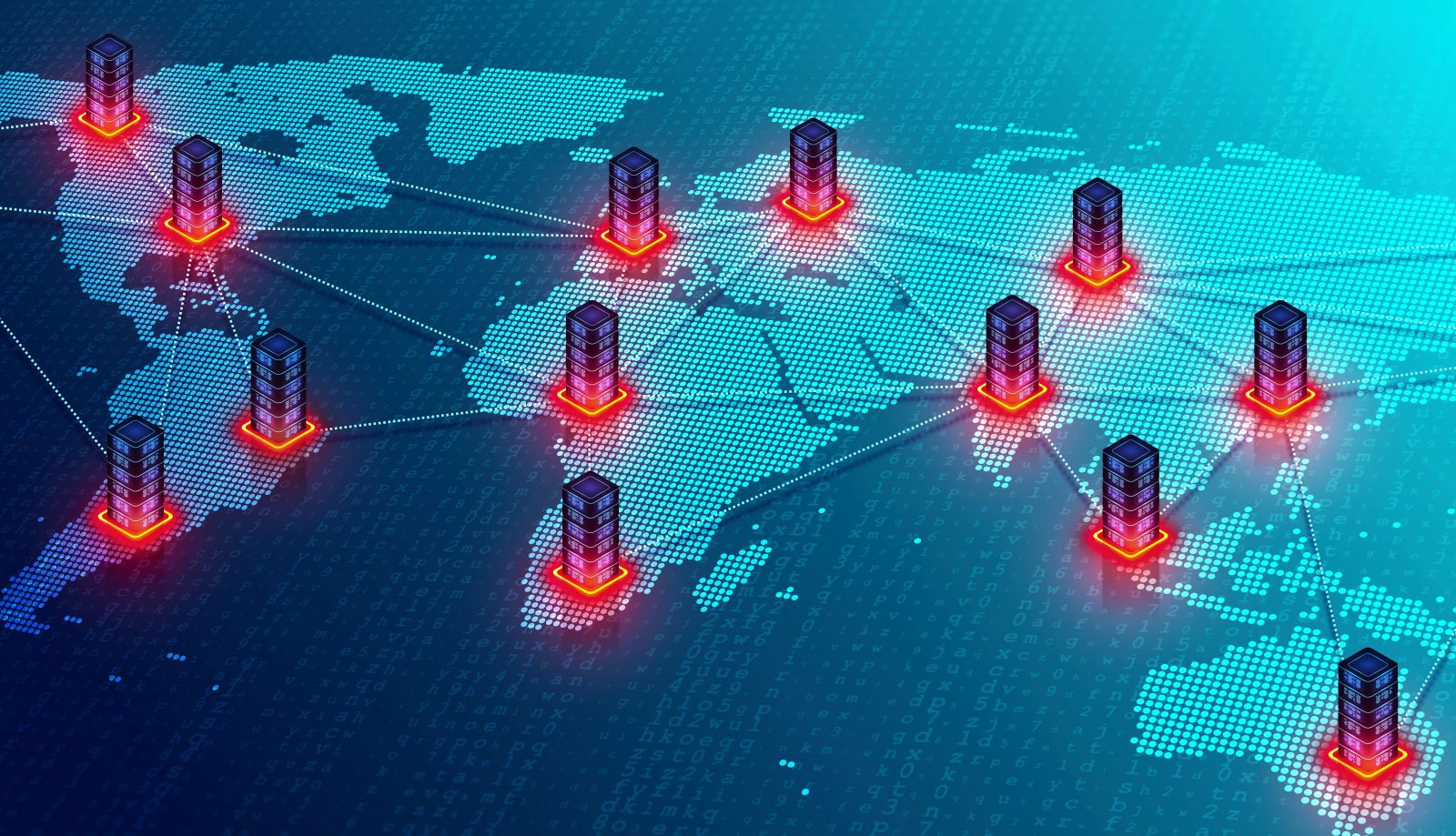
A VPN (Virtual Private Network) is a tool that helps secure your internet connection by hiding your IP address and encrypting your network activity. Choosing the right service can be difficult given the large number of providers on the market. In this article we will look at how to choose a VPN, taking into account several important factors below.
Using our VPN service solves many problems and significantly improves your online safety. You can avoid surveillance by hackers and government agencies; you do not need to fear blocks from services such as Roskomnadzor, internet providers and your employer. Russian and foreign services such as Amazon, Netflix and ChatGPT will not be blocked based on geography. You will still be able to place orders and make payments on sites you cannot access due to political sanctions or other restrictions. At the same time, unlimited access to the network is inexpensive – just from 4 US dollars per month. With unlimited traffic and high speed, this is a far more advantageous offer than our competitors. In addition, we offer big discounts for regular users and free trial versions. To use our VPN service, simply register on our website. To do so, enter your email address and come up with a strong password. Then you can use the free trial version and get support from our technical support service. We use the most modern technologies for connecting to the internet, including WireGuard, L2TP, Shadowsocks, IKEv2, OpenVPN. R-VPN can run on any operating system, including Windows, iOS, macOS, Linux, Android. Our service provides a fast and secure connection using reliable encryption algorithms and guarantees fast data transfer with no volume limits. By connecting to the R-VPN service, you will not only gain access to all internet resources but also be protected from the threats of cybercriminals and government institutions. If you encounter any problem, our online consultants are always ready to help you: follow updates on the Telegram channel (https://t.me/rvpn_info) and join the Telegram chat (https://t.me/rvpn_chat) to take part in contests, resolve any questions, and receive prizes and rewards!
- Security. One of the most important factors to consider when choosing is security. It is important to choose a VPN that uses strong encryption and DNS leak protection. It is also important to make sure that the VPN does not store logs of your internet activity.
- Speed. Another important factor is speed. Choose a VPN that does not slow down your internet connection. Some services may reduce speed in combination with certain connection types or server locations. It is important to choose a VPN that has fast servers in the countries where you want to use the internet.
- Cost. Price is also a factor to consider when choosing. There are both free and paid VPN services. Free services may be unreliable and fail to provide the proper level of security and speed. Paid services usually offer a higher level of security and speed, but they can be expensive.
- Server locations. The number of server locations where the VPN service is available is an important factor. The more server locations, the more options you have to choose a server with faster speed or lower load.
- Support quality. If you run into problems with your service, it is important to choose a provider with high-quality technical support. This can be especially important if you have no experience using a VPN.
- Compatibility. Finally, when choosing a VPN service it is important to make sure it is compatible with your device and operating system. Some services may not work on certain gadgets or operating systems. Therefore, before paying, it is important to make sure it works under your conditions.
VPN Tasks and Capabilities
A VPN, or virtual private network, is a popular tool for ensuring security and privacy online. A VPN lets you create encrypted tunnels between your device and the internet, hiding your real IP address and protecting your online activity from data theft and eavesdropping. But a VPN not only protects your online security; it also has other tasks and capabilities.
VPN Tasks
- Protecting privacy and security online: one of the main tasks of a VPN is to protect your online activity from data theft, eavesdropping and surveillance by third parties such as hackers, government agents, internet providers and advertising agencies.
- Bypassing censorship and restrictions: a VPN lets you bypass blocks, censorship and other restrictions on access to websites and content imposed by governments, internet providers and other organizations. With a VPN you can access sites that have been blocked in your country.
- Wi-Fi protection: a VPN can protect your security when you use public Wi-Fi networks. These networks usually are not protected by encryption, so your personal data such as passwords and bank details can be compromised. A VPN lets you protect your online activity and personal data from criminals.
- Security for home and business networks: a VPN can be used to protect home and business networks from cyberattacks. When using a VPN, the data transmitted between devices is encrypted, making it inconvenient for criminals to intercept and use.
VPN Capabilities
- Changing location: with a VPN you can change your virtual location to access content that is not available in your country. For example, if you are in Russia, you can connect to a server in the USA to access content available only in America.
- Speeding up the internet connection: a VPN can increase your internet connection speed if your internet provider throttles your speed based on your type of online activity. A VPN can change your IP address, hide the type of your online activity and boost your internet connection speed.
- Protection from ads and tracking: a VPN can protect you from advertising companies that may track you online and show you personalized ads. A VPN can hide your IP address and location, making you less vulnerable to advertising companies.
- Access to blocked sites: a VPN lets you access blocked sites that may be unavailable in your country or region. This can be useful if you are in a country where internet censorship is common practice.
- Protection from DDoS attacks: a VPN can protect you from distributed denial-of-service attacks (DDoS attacks) that can take down your site or service. A VPN can reroute traffic from attacking servers, allowing your site to stay online and operational.
Conclusion
A VPN is a powerful tool for ensuring security and privacy online. It can help you protect your online activity, bypass censorship, access content that is not available in your country, and much more. When you choose a VPN, be sure to make sure it has the necessary features and meets your needs for security and online comfort. It is also important to consider the speed and reliability of the connection, as well as ease of use.
The Ability to Connect a VPN to a Router
A VPN connection to a router is a way of connecting to a VPN service through your home router. This lets you protect all devices connected to your home network, not just a single device. In this section we will look at how a VPN connection to a router works, how to set it up, and what advantages it has.
How a VPN Connection to a Router Works
A VPN connection to a router lets you encrypt all traffic passing through your home internet connection. When using a VPN connection on a device, you protect only that device, while other devices on the home network can remain vulnerable. If you set up a VPN connection on the router, you protect all devices connected to your home network.
A VPN connection to a router is carried out by installing a VPN client on the router. This can be firmware that can be installed on some router models, or setting up a VPN server on the router. After configuring the VPN service on the router, all devices connected to the router will automatically be protected by the VPN connection.
How to Set Up a VPN Connection on a Router
Setting up a VPN connection on a router can be a difficult task, so you should make sure your router supports a VPN connection. Some router manufacturers, such as ASUS, Netgear, Linksys, D-Link and TP-Link, provide VPN clients for their routers that can be downloaded from their websites. There are also third-party VPN clients that can be installed on a router.
After installing a VPN client on the router, you should configure the connection to the VPN service. This will require server information for the service, a login and a password. You can get this information from your VPN provider.
After configuring the VPN service on the router, all devices connected to your home network will be protected.