VPN for Tablets from R-VPN
If you want to use a VPN on your Android tablet, you'll first need to install a free VPN application. There are many excellent VPN services available for free or at a low cost. One such service is R-VPN.
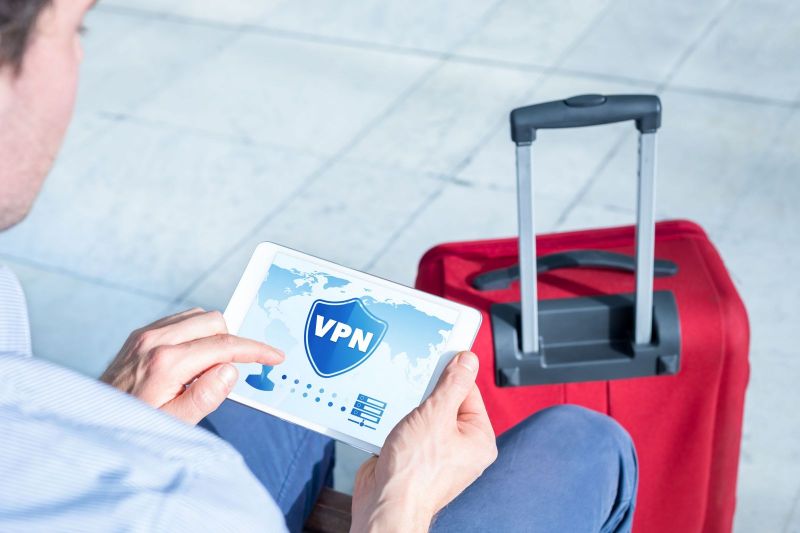
Internet security is becoming increasingly important in this era of rapid information technology development. Specifically designed to address this issue, we offer the R-VPN service, which can help you solve most online problems and guarantee your internet security. With R-VPN, you'll avoid surveillance by cybercriminals and government monitoring agencies (like Roskomnadzor), bypass blocks on internet resources, and seamlessly make purchases in online stores and conduct electronic payments using any currency.
To use R-VPN services, you won't have to pay large amounts of money. Unlimited access to our service starts at just $4 per month. Additionally, we offer significant discounts for our regular customers, as well as a free trial version. The R-VPN service is compatible with all operating systems (Windows, iOS, macOS, Linux, Android), as well as with routers, smartphones, and tablets.
We guarantee reliable data transfer without bandwidth limitations using advanced encryption algorithms (WireGuard, L2TP, Shadowsocks, IKEv2, OpenVPN). If you encounter any problems while using R-VPN, our team of consultants is ready to help you at any time. Furthermore, subscribers to our Telegram channel and chat can participate in various contests, ask our specialists challenging questions, and receive gifts.
Don't risk your online security. Try R-VPN today and experience its reliability and ease of use.
After installing the application on your tablet, you can easily turn the VPN on and off as needed. To enable the VPN, simply open the application and tap the "Connect" button. Your tablet will then be connected to the Virtual Private Network (VPN). Disabling the VPN is equally simple – you can either exit the application or tap the "Disconnect" button to turn off the VPN.
Using a VPN on your tablet can be very beneficial if you want to, for example, protect your personal data and browse the internet anonymously. The VPN will help you connect to the internet through an encrypted connection, allowing you to access websites and applications that might be restricted in your country.
A VPN can also be useful if you want to connect to a specific server from your computer or another device, such as to access work files.
Some VPN applications also allow you to further configure the connection to ensure maximum security and privacy. Overall, using a VPN on your Android tablet can be very advantageous if you want to protect your personal data and browse the internet anonymously. However, some VPN services might be unreliable or not provide sufficiently high connection speeds. Therefore, before installing a VPN application on your tablet, it's recommended to read reviews and ratings from other users to choose a reliable and high-quality service.
In conclusion, it's worth noting that while using a VPN on your tablet can be very convenient, there are some limitations to consider. For instance, some websites or services might block access from VPNs, so you might need to disable the VPN to use such resources. Also, remember that some VPN services might collect information about your internet traffic and sell it to third parties, so it's advisable to choose services with a good reputation and clear privacy policies.
VPN for Tablets or Phones on Android
On tablets and smartphones with the Android operating system, you can use a VPN just like on any other device. To do this, you need to install a VPN application from the Google Play Store and follow the connection setup instructions. There are many VPN applications for Android that can be installed for free or at a low cost. One of the most popular services is R-VPN.
Typically, installing and setting up a VPN on an Android device doesn't require special skills and takes no more than a few minutes. After installing the application, you'll be able to easily turn the VPN on and off as needed and enjoy a secure internet connection.
When using a VPN on your Android device, it's important to remember that not all VPN services are reliable and secure. Before installing a VPN application on your Android device, it's recommended to read reviews and ratings from other users to choose a reliable and high-quality service.
Furthermore, keep in mind that using a VPN doesn't guarantee complete anonymity online and cannot protect you from all security threats. To stay safe online, it's recommended to use antivirus software and follow good internet practices, such as changing passwords regularly and avoiding clicking on unsafe links.
How to Set Up VPN on Different Android Versions
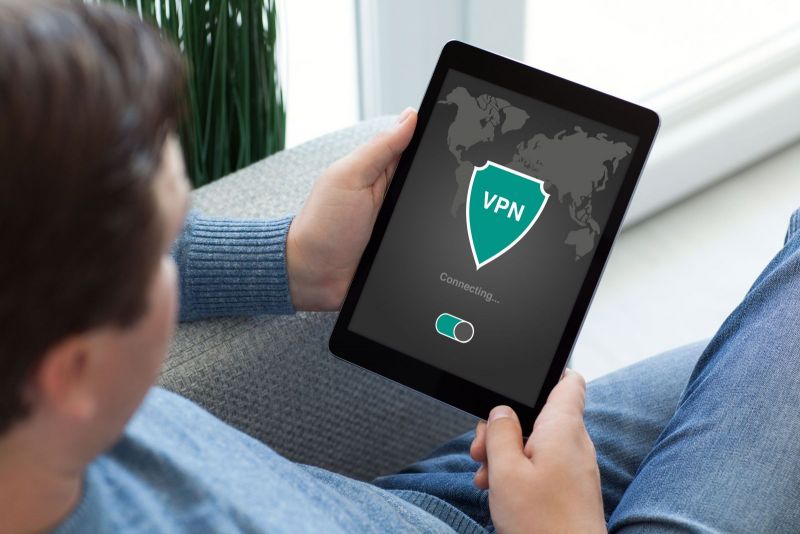
Setting up a VPN on Android devices across different versions generally follows a similar process. However, some specifics might differ depending on the operating system version.
To set up a VPN on your Android device, you need to:
-
Install a VPN application from the Google Play Store.
-
Open your device settings and find the "Network & Internet" section.
-
In the network settings, find the "VPN" section and tap the "Add VPN" button.
-
Select the type of VPN connection (usually PPTP or L2TP/IPSec) and enter the necessary details, such as server address, username, and password.
-
Save the settings and connect to the VPN.
Please note that VPN settings might vary depending on the service you're using. Therefore, if you encounter difficulties setting up the VPN, it's recommended to consult the instructions or help information provided by your VPN service, or seek assistance from a specialist.
Additionally, it's worth noting that in some cases, setting up a VPN on an Android device can be challenging. For example, on some devices, it might be difficult to find the "VPN" section in the network settings, or there might be connection issues. In such cases, it's recommended to search for relevant information on forums or specialized websites, or seek help from other users and specialists. You might need to update your operating system or install additional drivers to resolve the problem.
In any case, setting up a VPN on your Android device will be a simple and quick process if you follow the instructions and aren't afraid to ask for help when needed.
Connecting and Using VPN Through Third-Party Services
Connecting and using a VPN through third-party services can be a useful way to ensure anonymity and security online for Android device users. There are many VPN services that offer free or paid packages, including the ability to install and set up a VPN application on your Android device.
To connect to a VPN through a third-party service, you need to:
-
Choose a VPN service that meets your needs and budget. Pay attention to factors such as supported protocol types, availability of a free plan, connection speed, number of servers, and logging policy.
-
Download and install the VPN application from the Google Play Store or the service's website.
-
Open the application and enter your username and password if required.
-
Select the server you want to connect to and tap the "Connect" button. Note that some services might offer automatic connection to the optimal server.
Once the VPN connection is established, you'll be able to use the internet anonymously, securely, and safely. Please note that some websites and services might block VPN connections, so make sure your VPN is working correctly by checking your IP address on a specialized website.
To disconnect the VPN connection, open the VPN application and tap the "Disconnect" or "Turn Off" button. You can also simply turn off or restart your device to disconnect the VPN connection. Note that some VPN services might automatically disconnect the VPN when the internet connection is lost.